

An editorial calendar becomes unreliable when it is treated as a list of titles and dates. WordPress has to know far more: which post is being prepared, who owns the decision, what evidence is still missing, whether media is ready, and which state the post may enter next.
The calendar is therefore an interface over publishing data. Fix the data model first, and the calendar becomes useful for editors instead of decorative.
Start With The WordPress Post Record
WordPress already provides the core state machine. The `wp_insert_post()` reference documents fields for content, title, excerpt, author, status, publication date, categories, tags, and metadata. It also explains that a post marked future needs a publication date.
Those fields should be the calendar's source of truth. A separate spreadsheet can help with early ideas, but it should not become a second publishing database that drifts away from WordPress.
For every planned article, expose:
- Post ID and canonical working title.
- Current status: idea, draft, pending review, future, or published.
- Assigned editor and required specialist reviewer.
- Intended publication time and timezone.
- Source readiness, internal-link targets, and media readiness.
- The latest approval decision and the revision it covered.
The distinction between “planned for Tuesday” and “approved as a WordPress future post” matters. Only the second has passed a publication boundary.
Separate Post State From Background Work
Content state and automation state are related, but they are not interchangeable. An image job can be running while the post remains a draft. A source check can fail without changing the intended publication date. A scheduled post can lose approval after a material edit.
WordPress's `wp_schedule_single_event()` documentation describes a one-time hook scheduled for a specified UTC time. It also notes that the hook runs when a visit occurs after that time and warns about duplicate events. That makes scheduled events useful for reminders, refreshes, or recovery work, but not proof that an article is editorially ready.
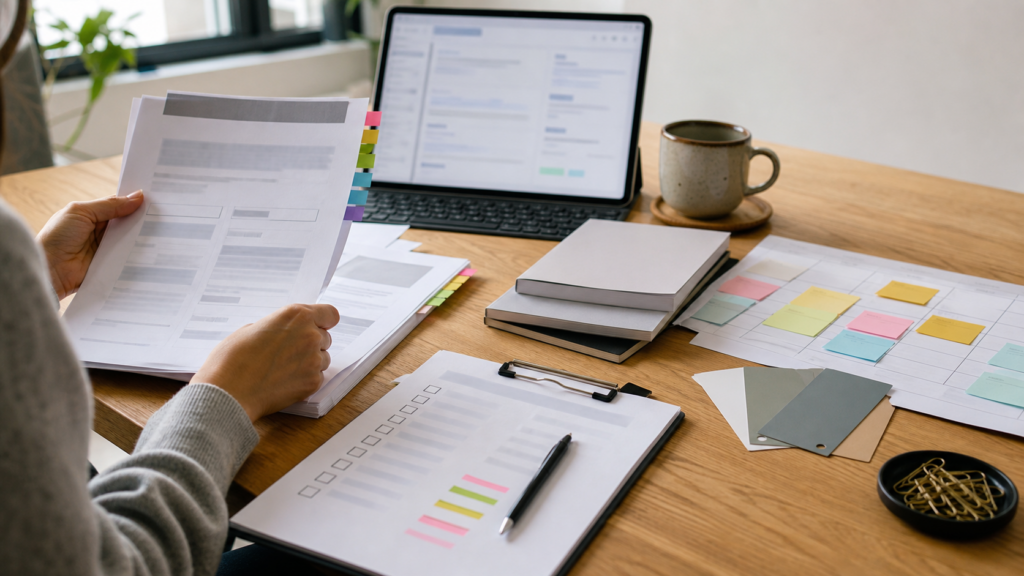
Show these as separate records:
- The post and its editorial state.
- Dependencies such as images, sources, and review.
- Background jobs, with their last result and retry state.
- The decision that permits scheduling.
This separation makes failure understandable. “Image generation timed out” should not appear as “article rejected,” and “cron event created” should never appear as “article approved.”
Make Every Calendar Card Answer One Question
An editor opening a calendar entry should be able to answer: what prevents this post from moving forward?
A draft may need a source for one factual claim. Another may be complete but waiting for a legal review. A future post may be ready but too close to another page covering the same reader task. These are decision-ready facts; percentage-complete bars are not.
The article package described in The AI SEO Draft Needs More Than Words provides the inputs: content, excerpt, links, sources, taxonomy, images, and review notes. The approval model in WordPress SEO Automation Needs a Human Approval Boundary supplies the transition rule.
Together, they turn the calendar into an operational view rather than a content wish list.
Test The Model With Failure, Not The Happy Path
Before trusting the calendar, simulate four cases:
- A required source disappears.
- An image job finishes after the planned review time.
- An editor changes a factual section after approval.
- Two automation runs try to schedule the same follow-up task.
The expected result is conservative: the post remains unpublished, the blocking reason stays visible, and duplicate work does not multiply silently.
A dependable editorial calendar does not merely tell a team what should publish next. It shows whether the WordPress record contains enough evidence, assets, and authority for publication—and exactly what must happen when it does not.
Discussion
Join the discussion
Useful notes, corrections, and field experience belong here. Keep replies specific and constructive.