
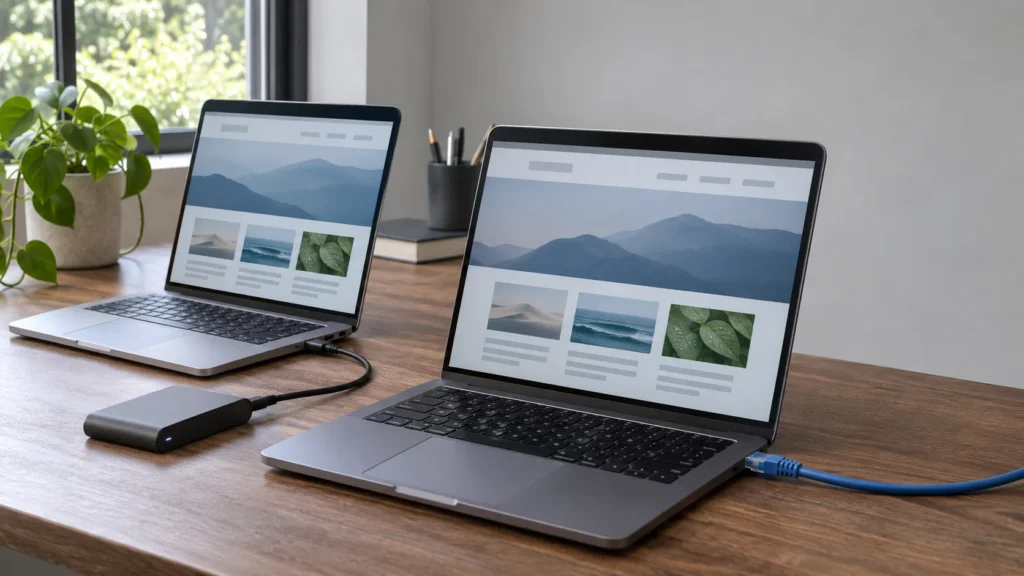
WordPress Reprint arrived on November 13 as a free, open-source PHP utility for copying site files and databases. Transfers can resume after interruptions, but a final migration still requires pausing changes on the original site before taking the last copy, according to WordPress's Reprint announcement.
Reprint reaches beyond exporting posts and pages: themes, plugins, uploaded files, and settings travel with the content. WordPress positions it for moving between hosts and creating local testing copies, extending its Data Liberation initiative, which began in 2024.
WordPress also offers an experimental browser-based demonstration through Playground. Japanese outlet AB通信 reported completing the experimental Playground demonstration, publishing screenshots of the copied sample site. WP-CONTENT.CO covered the Playground integration on November 10, describing copying files and a database into an editable browser-based WordPress environment for testing.
The Final Copy Still Needs a Write Pause
Reprint does not freeze the original site during a live transfer, according to WordPress's documented limits. That makes the final write pause essential: changes made while copying still need to be captured before visitors move to the destination.
Database refreshes replace the source tables on the destination instead of merging edits from both sites. Some interrupted database imports need a fresh start. Resumable transfers therefore do not mean every database failure can resume.
WordPress does not guarantee that copied plugins will work at the destination. A completed copy and a working replacement site are separate milestones.
How WordPress Reprint Authorizes a Copy
The source site runs the Reprint Server plugin; the receiving computer runs the client. Activating the plugin alone starts no transfer. An administrator pastes the client's Migration Token into the server settings and authorizes access, according to the authorization guide.
With OpenSSL support, authorization uses a public/private key pair. The Migration Token contains the public key, while the private key stays on the receiving computer. Servers without OpenSSL use a shared connection token, the authentication reference explains. Removing access cuts off future downloads; copies already downloaded remain on the destination.
Repeat Transfers Reduce File Work
WordPress says transfers go directly to the authorized receiving client over HTTPS without passing through a Reprint cloud service. The receiving computer's command-line client requires PHP 7.4 or newer, according to the Reprint plugin listing.
Interrupted transfers can continue from saved progress. On subsequent runs, Reprint identifies changed files and transfers the files it needs. Known generated backups, caches, logs, and temporary files are excluded, according to the file transfer reference.
New pulls retain host-specific plugins and cache drop-ins by default. Reprint leaves the decision about whether those components belong at the destination to the migration operator. These defaults give migrations a cleanup step as well as a copying step: generated files are skipped, but hosting components are retained.
Database address rewriting handles serialized PHP values, JSON, block markup, and plain text. Stylesheet addresses can also change, while other file types retain their contents. Address replacement helps adapt a copy, but does not convert its code.
A Copy Is One Part of a Migration
Testing copies also provide a place to rehearse updates such as the WordPress 7.1.4 security release or investigate WordPress archive behavior before making changes to a live site.
Reprint copies the site; pausing writes for the final copy and switching visitor traffic remain separate migration operations.
Image: AI-generated image.
Discussion
Join the discussion
Useful notes, corrections, and field experience belong here. Keep replies specific and constructive.