
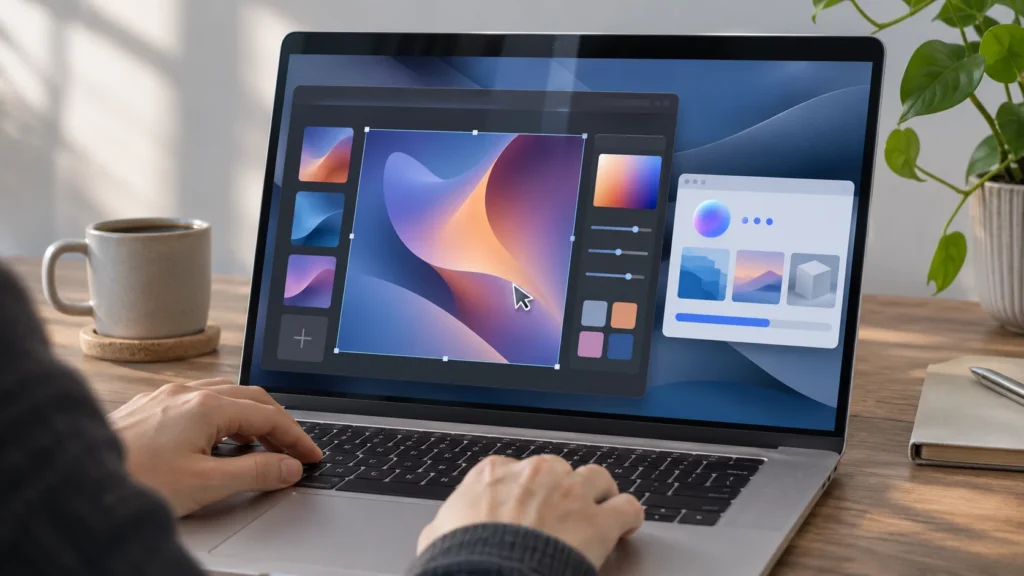
Google announced Gemini Mac control on November 19, 2026, allowing its assistant to work across apps and websites in a separate background window. In Google's announcement, the company says a live preview lets users follow progress while their main screen and cursor remain available for other work.
9to5Google describes the expansion as letting Gemini click and type inside desktop applications and websites. MacRumors also reports background execution across apps, files and websites, with users choosing accessible apps and approving key actions.
Gemini Mac Control Requires Paid, Personal Access
The rollout is in English in the United States for Google AI Plus, Pro and Ultra subscribers. It requires a personal Google account belonging to someone 18 or older, plus an Apple Silicon Mac running macOS Sequoia 15.0 or later, according to Google.
Those requirements stack together: a qualifying subscription alone does not satisfy the account, location, language and hardware conditions. The restrictions fit a broader pattern of Gemini access varying across products and subscriptions. The personal-account requirement also excludes school accounts.
Access is rolling out gradually, Macworld reports. Account eligibility is separate from permission to operate individual apps: meeting the rollout conditions determines who can use the feature, while app selection determines where Gemini can act.
Macworld reporter Roman Loyola reported downloading an older app version that lacked computer use. His attempts to automate Pixelmator Pro, QuickTime Player and Finder failed on that older version.
A Working Window Separate From the Main Desktop
According to 9to5Google, users invoke the capability by adding @Computer use to a prompt. The previous Task functionality already worked with local files and Connected Apps, including Gmail and Google Calendar. Computer use extends that approach to interaction with desktop applications and websites through clicking and typing.
The separate window addresses a practical problem with delegating computer work: competing for the same screen and pointer. Google says its design lets the assistant operate in the background while the user continues foreground work. The preview keeps the delegated activity visible without requiring it to occupy the main working space.
Google's examples include batch color-grading photos, entering shipping-form information from PDFs, building presentations from dashboards and preparing resale listings.
Desktop connectors include Blender and Autodesk Fusion, 9to5Google reports. Mac automation already includes Shortcuts and AppleScript, as Macworld notes. The difference in Google's pitch is the entry point: a natural-language request can describe work that spans files, applications and websites. That shifts attention from an individual app feature to the sequence of actions needed to finish a task, with permissions governing which parts of that sequence Gemini can perform.
App Access and Approval Remain Separate Controls
Google says users choose which apps Gemini can access, watch its progress, pause execution and approve key actions. 9to5Google reports that execution pauses for logins and payments, sensitive actions require confirmation, and users can stop the activity with one click.
Setup involves Accessibility and Screen & System Audio Recording permissions, according to Google's Gemini Apps Help instructions. Settings include separate allowed and blocked app lists, according to Google. Selecting "Always allow" adds an app to the allowed list, and that permission can later be removed in settings.
These controls operate at different levels: system permissions enable interaction, app permissions set its scope, and action approvals interrupt particular steps. Backups may not always be possible, and some actions cannot be reversed, Google warns.
Image: AI-generated image.
Discussion
Join the discussion
Useful notes, corrections, and field experience belong here. Keep replies specific and constructive.