
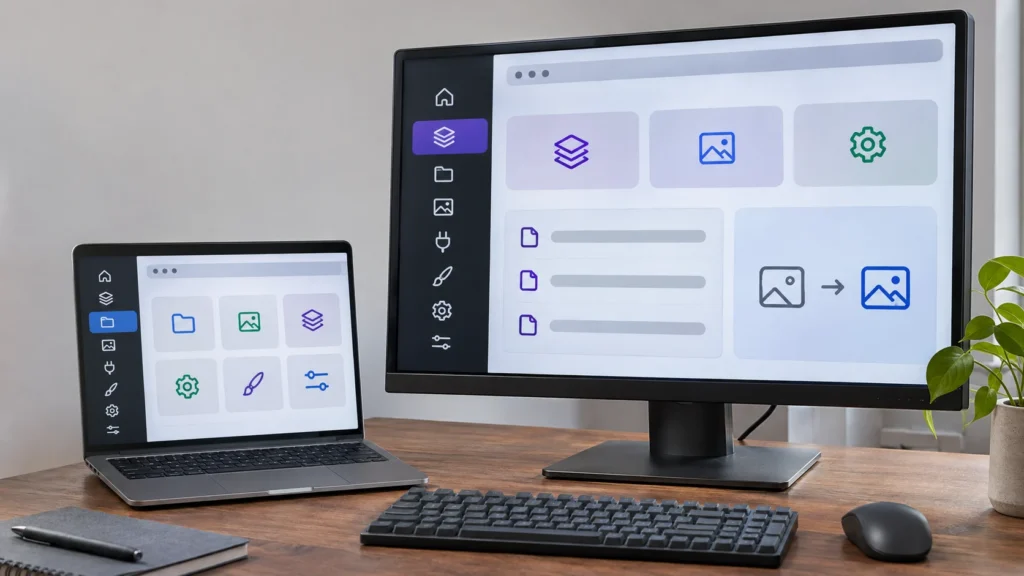
WordPress 7.2 SVG icons replace font glyphs in core admin menus and toolbars in the beta release, preserving stored icon names while changing the elements custom styles must target. In a November 5 developer note, WordPress contributor Ashar Fuadi explained the switch from Dashicons to inline SVGs from @wordpress/icons.
Most plugins and themes need no changes: menu-page registration and toolbar nodes continue working. The compatibility work falls mainly on admin color schemes, customized icons and code that modifies core icon markup.
Where the SVG Icons Change Styling
Previously, CSS drew these icons through ::before pseudo-elements. With SVG, a rule that colors only the pseudo-element can miss the visible icon. Custom styles targeting wp-menu-image, ab-icon and ::before can need changes, including styles for hover behavior and mobile layouts, TutKit reported.
Color rules must also target the icon element itself, according to Fuadi's note. The distinction applies beyond the default appearance: hover, keyboard focus, current-item, open-menu and mobile states all need compatible coloring.
Hiding an old pseudo-element alone can also leave the SVG visible; the icon element must be hidden. Image replacements that depended on core supplying an empty box need their own content and dimensions. Selectors tied to Dashicon classes need alternatives based on a menu item's ID or menu-icon-* class.
Core toolbar titles generally no longer contain the empty ab-icon span that some plugins searched for or replaced; icons instead use a new icon argument.
Why WordPress Is Replacing Font Icons
Icon-font glyphs can produce unpredictable screen-reader announcements, render incorrectly under forced-color settings and show confusing fallback characters when webfonts fail, WordPress said in its September proposal.
Explicitly labeled or hidden SVGs offer more predictable semantics, the proposal said. SVGs using currentColor can follow users' chosen colors. Replacement work had been underway since June, according to WordPress's September proposal.
Existing Registrations Keep Working
Stored menu data retains its dashicons-* values. Where a Dashicon has a matching core-admin replacement, WordPress renders the SVG instead. Other Dashicons, image URLs, base64 SVGs and none values retain their existing rendering, as do third-party toolbar nodes.
Adopting the new API is optional. Menu registration accepts registered icon names, and toolbar nodes gain an icon argument. The core-admin collection promises stable names. For older-version support, menu code using names needs a function-existence guard. The wp_is_valid_icon_name helper checks formatting rather than registration; an unregistered name produces no icon.
Beta Testing Covers Interaction States
WordPress released 7.2 Beta 4 on November 3 for testing and development, with the final release scheduled for December 8. The beta is intended for local or test environments rather than production or mission-critical websites, WordPress said.
There was no separate Beta 3 announcement: it shipped on October 28 inside the WordPress 7.1.4 release.
Test every state, not just the resting one: an icon can look correct at rest yet show the wrong color when selected or reached by keyboard, Eguchi.net noted November 5.
Image: AI-generated image.
Discussion
Join the discussion
Useful notes, corrections, and field experience belong here. Keep replies specific and constructive.